






The R6 Marketplace is Ubisoft’s official platform for trading in-game cosmetics using R6 Credits, and it has quickly become an essential hub for Rainbow Six Siege (R6S) players. Whether you’re a casual gamer, collector, streamer, or competitive player, understanding how to use this marketplace can save you time, enhance your inventory, and even help you secure rare skins like Chroma Streaks or Aki No Tsuru. In this comprehensive guide, we’ll break down everything from how the marketplace works, how to access it, how to trade, and best practices from a user perspective.
What Is the R6 Marketplace?
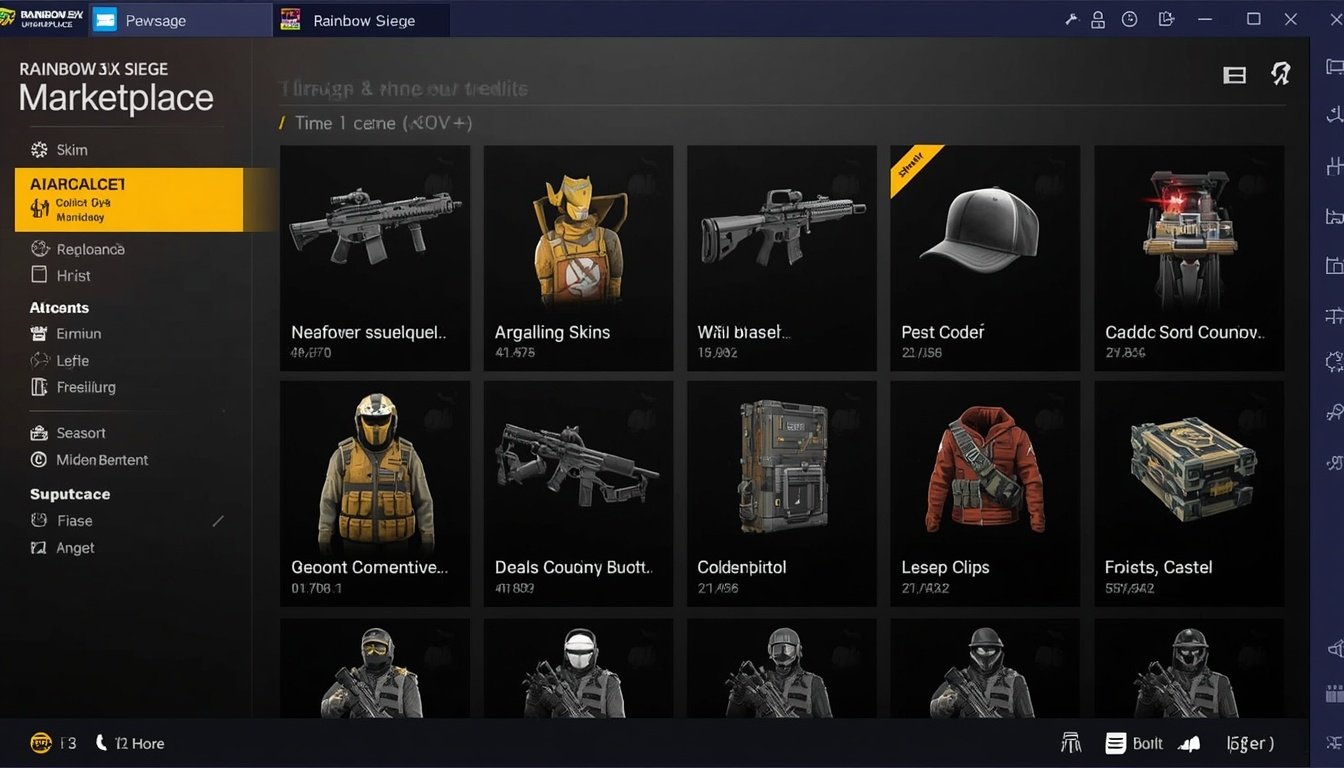
The R6 Marketplace is a web-based trading system integrated with Ubisoft accounts. Unlike informal trading in forums or Discord, the platform acts as an intermediary, ensuring trades are:
-
Secure: No risk of fake buyers or scams.
-
Automated: Transactions complete automatically once a price match occurs.
-
Transparent: Prices are determined by supply and demand, not guesswork.
How It Works
-
Selling Items: Players list tradable items from their inventory and set a selling price. Ubisoft retains a 10% transaction fee.
-
Buying Items: Buyers create purchase orders with the maximum R6 Credits they’re willing to spend.
-
Automatic Matching: The system automatically pairs buyers and sellers based on pricing, similar to a stock exchange order book.
Why This Matters: By controlling the trading environment, Ubisoft maintains fairness, security, and consistent pricing. You don’t have to worry about fraud, false promises, or complicated negotiations.
Why You Should Use the R6 Marketplace
From a user perspective, the R6 Marketplace offers multiple advantages:
1. Safety and Security
All transactions are managed through Ubisoft’s system, meaning:
-
No direct sharing of personal information.
-
Automatic handling of R6 Credits transfers.
-
A clear audit trail in case of disputes.
2. Convenience and Accessibility
-
Works on PC, mobile browsers, Xbox, and PS5.
-
Manage transactions on the go using your phone.
-
PC and console users can handle large inventory adjustments more efficiently.
3. Market Transparency
-
Prices fluctuate based on supply, demand, and popularity of items.
-
You can see which items are highly sought after, like the Dynasty skin, Chroma Streaks, or seasonal Battle Pass cosmetics.
4. Community and Collectability
-
Perfect for collectors seeking rare skins.
-
Streamers and content creators can enhance videos with exclusive cosmetics.
-
Active players can strategically trade items for R6 Credits to expand their collection.
Who Should Use It?
The marketplace is suitable for:
-
Collectors: Complete cosmetic sets, including exclusive items like
-
Casual Players: Purchase preferred skins without spending real money.
-
Competitive Players: Upgrade your appearance for ranked matches.
-
Streamers and Content Creators: Showcase rare or exclusive skins to attract viewers.
How to Access the R6 Marketplace
Accessing the R6 Marketplace is straightforward, but there are eligibility requirements:
Requirements
-
Ubisoft Account: Must be linked to Rainbow Six Siege.
-
Clearance Level 25: Ensures new players don’t manipulate the market.
-
Two-Factor Authentication (2FA): Adds an extra layer of security.
Tip: There is no separate sign-up process. Meeting these requirements automatically unlocks marketplace access.
Official Website
-
Access via Ubisoft R6 Marketplace
-
Important: Always verify the URL. Avoid third-party sites claiming to offer R6 Marketplace access, as they may be scams.
Using the R6 Marketplace: Step-by-Step
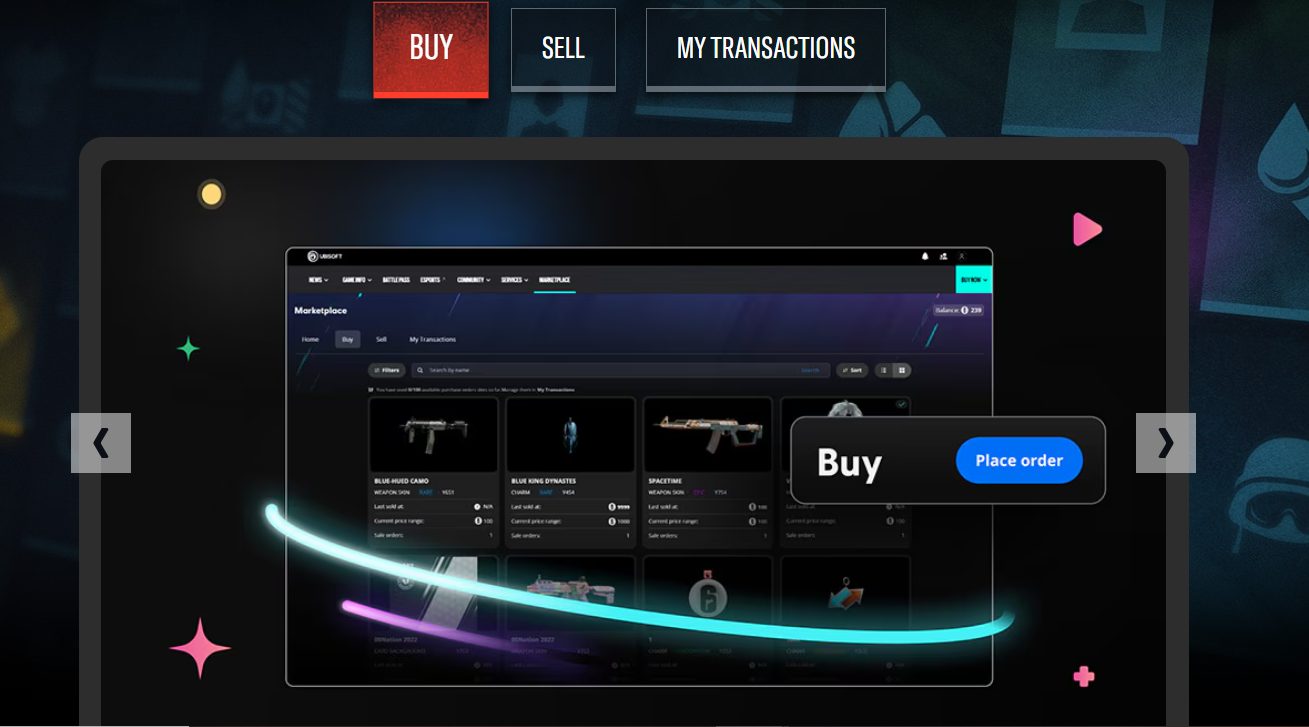
Buying Items
-
Navigate to the Buy section.
-
Search for the desired item (e.g., Dynasty weapon skin).
-
Set your maximum bid in R6 Credits.
-
The system matches your order automatically with the lowest-priced seller.
Pro Tip: Prices fluctuate, so patience can save credits on rare items.
Selling Items
-
Go to the Sell tab.
-
Select a tradable item from your inventory.
-
Set an asking price; Ubisoft deducts 10% upon sale.
-
Confirm your listing. Sales complete automatically once a buyer matches your price.
Important Notes:
-
Items from the current season may have a 15-day lock before they can be resold.
-
Not all items are tradable; check eligibility in the Sell tab.
-
Rare items like Dynasty skins or Chroma Streaks often require timing strategy for maximum profit.
Marketplace Across Devices
PC
-
Full access to buy/sell functions.
-
Ideal for large inventory management and trend tracking.
Mobile
-
Fully functional via mobile browsers.
-
Great for monitoring orders on the go.
Consoles (Xbox & PS5)
-
Marketplace access via linked Ubisoft accounts.
-
Trades automatically sync with in-game inventory.
-
Level and 2FA requirements still apply.
User Tip: Monitor rare items like Dynasty from your phone while managing larger transactions on PC.
High-Demand Skins
Some items consistently attract attention:
| Skin | Type | Reason for Demand |
|---|---|---|
| Dynasty | Weapon | Rare, collectible, limited availability |
| Chroma Streaks | Attachment | Limited Battle Pass reward |
| Aki No Tsuru | Cosmetic | Iconic collectible from past events |
These skins often require strategic listing, patience, and price monitoring for successful trades.
Pricing System Explained
Pricing is market-driven, not fixed:
-
Rarity: Limited-run items command higher R6 Credit value.
-
Popularity: Unique visual designs, e.g., Dynasty skins, spike prices.
-
Seasonal Availability: Out-of-season items may suddenly increase in demand.
Tip: Track trends using third-party resources like R6 Tracker Network, but remember these are community-based and not official.
Security and Best Practices
Two-Factor Authentication (2FA)
-
Always enable 2FA for account safety.
-
Supports email, SMS, or authenticator apps.
Avoid Third-Party Apps
-
Ubisoft has no official marketplace app.
-
Beware of mobile or desktop apps claiming to give access.
Monitor Trade Locks
-
Respect 15-day resale cooldowns.
-
Check item eligibility before listing.
Mobile Monitoring
-
Use your phone to track active buy/sell orders.
-
Quickly respond to market changes for rare items like Dynasty skins.
Marketplace Troubleshooting
If you encounter issues:
-
Check Ubisoft Service Status: Confirm server or marketplace outages.
-
Verify Account Eligibility: Level 25 and 2FA enabled.
-
Check Trade Restrictions: Sanctions or recent purchases may block listings.
Note: Most downtime is temporary or related to scheduled maintenance.
R6 Marketplace Trading Strategy
-
Plan Trades: Decide whether to list immediately or wait for market fluctuations.
-
Diversify Inventory: Keep multiple items listed for better chances of sales.
-
Track High-Demand Items: Use community trackers for trends, particularly for rare skins
-
Use Patience: Rare items often sell higher if you wait for optimal timing.
Frequently Asked Questions
1. Is the R6 Marketplace available for consoles?
Yes, Xbox and PS5 players can access it through linked Ubisoft accounts.
2. Do I need an app to trade?
No, the platform is browser-based and fully functional on PC, mobile, and consoles.
3. Why can’t I sell my items?
Check item tradability, Level 25 requirement, 2FA, and the 15-day resale lock.
4. Is there a price tracker?
Officially, no. Community tools exist for reference only.
5. What if the marketplace is down?
Check service status, account security, and eligibility. Most downtime is temporary.
6. How do I get rare skins like Dynasty?
Monitor market trends, complete Battle Pass events, and check item eligibility for trading.
Why the R6 Marketplace Is a Game-Changer
-
Simplifies Trading: No negotiation needed; automated matching ensures fairness.
-
Reduces Risk of Scams: Ubisoft’s system protects buyers and sellers.
-
Supports Collectors and Competitive Players: Rare items like Dynasty enhance your inventory.
-
Promotes a Digital Economy: R6 Credits allow users to trade items, manage collections, and personalize gameplay.
Conclusion
The R6 Marketplace is an essential tool for Rainbow Six Siege players who value security, convenience, and cosmetics. By understanding:
-
How to access and use the marketplace
-
Best practices for buying and selling
-
Market trends and rare item strategies
You can maximize your in-game collection, track high-demand skins like Dynasty, and enjoy a seamless trading experience across PC, mobile, and console platforms.
With proper planning, patience, and monitoring, the R6 Marketplace becomes not just a trading platform, but a community-driven economy, connecting players with rare and valuable in-game content in a secure, fair, and automated environment.