







If you’ve ever experienced high ping, matchmaking delays, or connection errors while playing Rainbow Six Siege (R6), the issue may be related to the game’s servers. Understanding how R6 servers work can help you improve your connection, troubleshoot common problems, and enjoy smoother gameplay.
In this guide, you’ll learn what R6 servers are, where they’re located, how to check their status, how to change server regions, and practical ways to reduce lag.
What Are R6 Servers?
R6 servers are the online infrastructure that powers multiplayer matches in Rainbow Six Siege. They handle player connections, matchmaking, game synchronization, and communication between players.
When you start a match, the game automatically connects you to the server region that typically offers the lowest latency (ping).
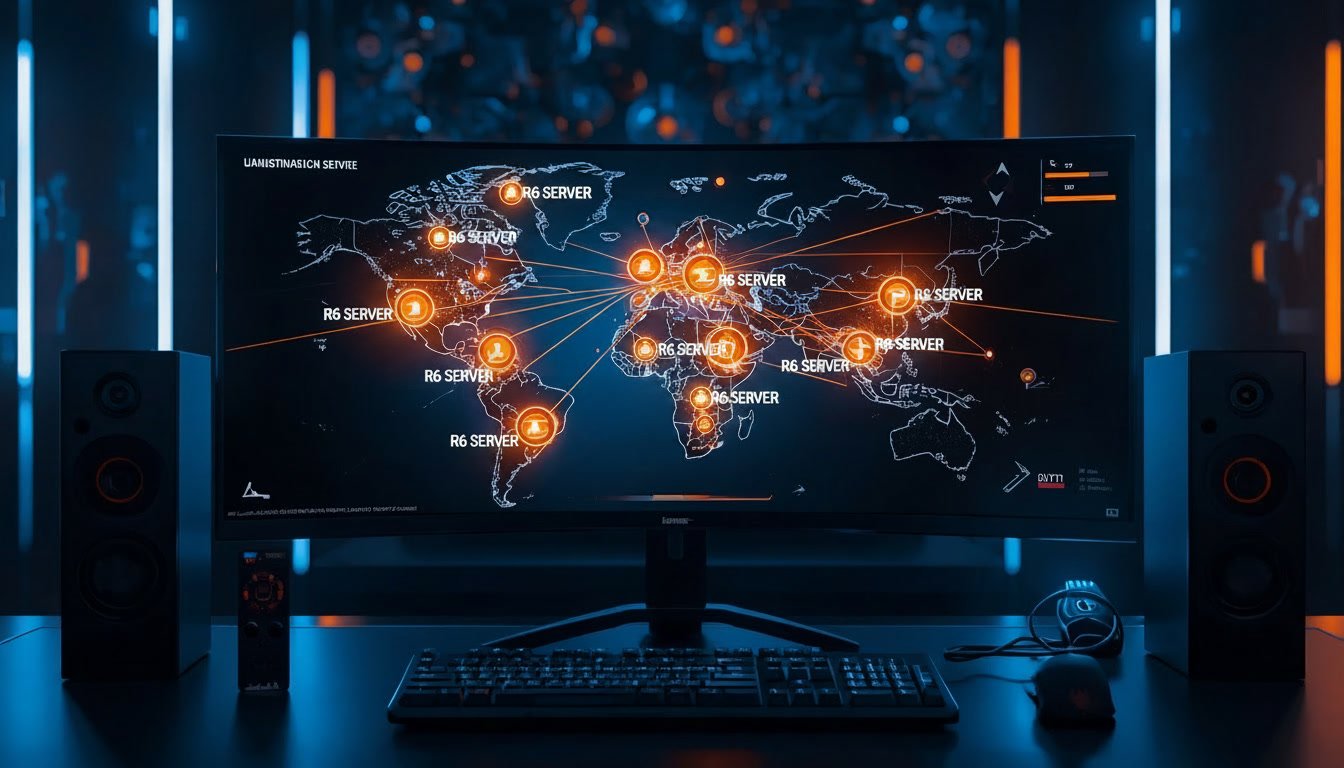
R6 Server Locations
Rainbow Six Siege uses multiple server regions around the world to provide a better online experience. Depending on your location, you may be connected to one of several regions, including:
| Region | Typical Coverage |
|---|---|
| North America East | Eastern North America |
| North America Central | Central North America |
| North America West | Western North America |
| South Central US | Central United States |
| Europe West | Western Europe |
| Europe North | Northern Europe |
| Europe Central | Central Europe |
| South America | Most South American countries |
| East Asia | Japan, Korea, nearby regions |
| Southeast Asia | Singapore and neighboring countries |
| Australia East | Australia and Oceania |
| Middle East | Middle Eastern countries |
Available regions may change over time as Ubisoft updates its server infrastructure.
How to Check R6 Server Status
If you’re unable to connect or matchmaking is taking unusually long, check the server status before troubleshooting your own internet connection.
You should check for:
- Ongoing maintenance
- Reported outages
- Service disruptions
- Platform-specific issues (PC, PlayStation, or Xbox)
If the servers are down, you’ll usually need to wait until Ubisoft restores service.
How to Change R6 Servers
Rainbow Six Siege usually selects the best server automatically based on your connection.
If you want to play with friends in another region or test a different server, you may be able to change your preferred data center on supported platforms by adjusting the game’s configuration settings. Keep in mind that forcing another region often increases your ping and may lead to a less stable experience.
Always use supported methods and avoid unofficial tools that modify the game.
Why Is My R6 Ping So High?
High ping can make gameplay feel delayed and inconsistent.
Common causes include:
- You’re connected to a distant server.
- Internet congestion during peak hours.
- Slow or unstable Wi-Fi.
- Background downloads or streaming.
- Network issues from your internet service provider.
- Temporary server problems.
How to Reduce Ping on R6 Servers
If you’re experiencing lag, try these tips:
- Use a wired Ethernet connection instead of Wi-Fi.
- Close downloads and streaming applications.
- Restart your modem and router.
- Select the closest available server region when possible.
- Pause cloud backups during gameplay.
- Ensure no one is heavily using your network.
- Update your game to the latest version.
- Restart the game if matchmaking appears stuck.
These steps can help reduce latency and create a more stable connection.
Common R6 Server Errors
Here are some issues players commonly encounter:
Connection Lost
This usually happens because of internet interruptions or temporary server issues.
Matchmaking Failed
The matchmaking service may be temporarily unavailable, or the selected playlist may have limited players.
High Packet Loss
Packet loss can cause rubber-banding, delayed shots, and player teleporting. Restarting your network equipment or switching to a wired connection often helps.
Server Connection Error
Check the current server status first. If servers are operational, restart your game and verify your internet connection.
Tips for the Best Online Experience
To get the most stable connection:
- Play on the nearest server region.
- Keep your network equipment updated.
- Avoid large downloads while gaming.
- Restart your router occasionally.
- Use a reliable broadband connection.
- Keep your operating system and game client updated.
Frequently Asked Questions
Can I manually change R6 servers?
On some platforms, players can influence their preferred server region through supported configuration options. However, the game generally selects the optimal server automatically.
What is the best R6 server?
The best server is usually the one closest to your physical location because it provides the lowest ping.
Why am I connected to the wrong server?
Automatic server selection may occasionally choose a different region due to network routing or server availability.
What ping is good for Rainbow Six Siege?
As a general guideline:
- Under 30 ms: Excellent
- 30–60 ms: Very good
- 60–100 ms: Playable
- Above 100 ms: Higher chance of noticeable lag
Are R6 servers cross-platform?
Server availability depends on your platform and the game’s current cross-play features. Players should check the latest official announcements for platform compatibility.
Conclusion
R6 servers play a major role in your overall Rainbow Six Siege experience. Knowing how server regions work, checking server status during outages, and following simple connection best practices can help reduce lag, improve matchmaking, and make online matches more enjoyable. If you experience persistent issues, start by verifying the server status before troubleshooting your own network.